










Monitors and remote work: how to choose a screen for productivity at home
Kyiv • UNN
Often, a screen is bought on a residual basis, focusing on diagonal and price.

This approach is flawed, as it leads to discomfort and reduces efficiency. Telemart explains how to turn monitors into a key asset for your home office, not a reason to visit the doctor.
Step one: define your main tasks
The first step to making a good choice is to define your main work scenarios:
● For gaming, crucial parameters are a high refresh rate, minimal response delay, and the presence of adaptive synchronization technologies — these ensure smooth images and realistic gameplay;
● for working with texts and tables, font clarity is important;
● graphic designers and photographers need impeccable color reproduction;
● developers appreciate space for multiple code windows;
● combining work with games or movies places its own demands on image smoothness.
When you clearly understand the tasks, it narrows down the search and saves your budget.
Key technical characteristics: what to look for when choosing
Once the goals are clear, you can move on to the technical characteristics. The main thing here is to find a balance between size, clarity, and matrix technology:
1. Diagonal and resolution. The optimal range for most tasks is 24–27 inches. Full HD (1920×1080) resolution remains the basic standard for models up to 24 inches. For 27-inch screens, QHD (2560×1440) has become the "golden mean" — it provides high detail and does not require scaling. 4K (3840×2160) reveals its potential on diagonals from 27 inches and is indispensable for working with graphics.
2. Matrix type. Panel technology directly affects image quality. IPS matrices offer the best color reproduction and wide viewing angles — an optimal option for designers. VA panels are distinguished by deep black and high contrast, which makes them a good choice for universal use. OLED displays stand out with absolute black depth, instant response time, and a rich color palette. This is a high-end solution for gamers and multimedia enthusiasts who appreciate realistic images and maximum detail.
3. Ergonomics and ports. Flicker-Free and Low Blue Light technologies are essential to maintain eye health during long hours of work. A height-adjustable and tiltable stand helps maintain proper posture. A USB-C port is a huge advantage, allowing you to connect a laptop, transfer video, and charge it with a single cable.
This is the foundation on which a comfortable and productive home workspace is built.
Ready-made solutions: recommendations from Telemart for various scenarios
For different tasks, optimal combinations of characteristics can be formed:
1. "Office worker" (documents, spreadsheets). A 24–27-inch monitor with QHD resolution, an IPS matrix for text clarity, and an adjustable stand is suitable.
2. "Creator" (design, photo, video). A screen of 27 inches or more with 4K resolution and an IPS matrix that provides color coverage of more than 99% sRGB for accurate color work is required.
3. "Universal solution" (work and gaming). A 27-inch QHD monitor with a refresh rate of 120 Hz or more for smooth gaming is considered the optimal choice.
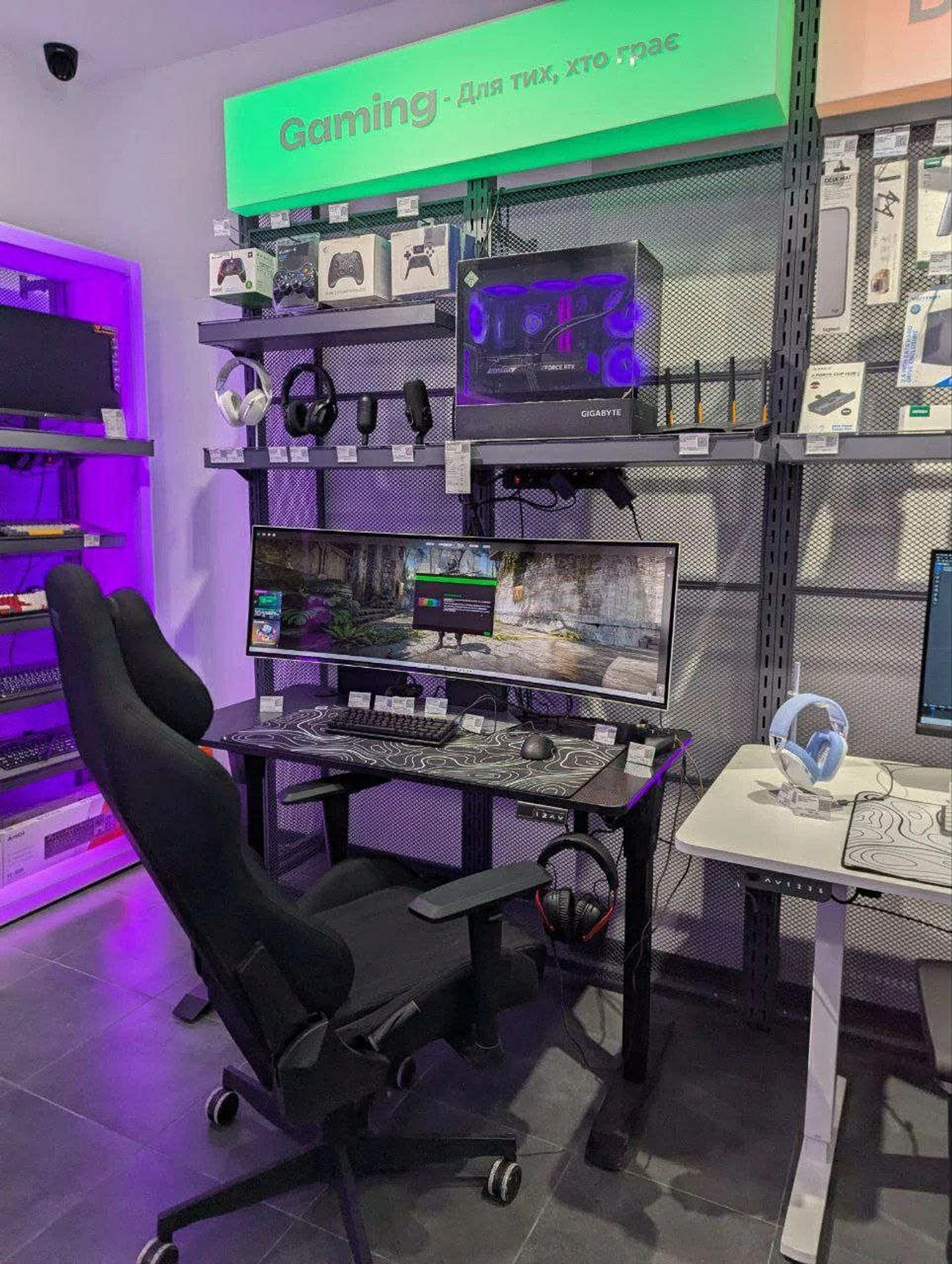
For maximum flexibility and application separation, choose two monitors, and to work seamlessly with content and fully immerse yourself in the process — one ultrawide.
Your ideal monitor is an investment in yourself
Remote work requires tools that help, not hinder. Therefore, choosing the right monitor is a conscious investment in your own efficiency and well-being. This approach allows you not just to buy equipment, but to optimize your workspace and get a setup that helps you achieve better results without harming your health. Explore current models at Telemart to find a solution tailored to your tasks.