










How to download music from YouTube: simple download methods
Kyiv • UNN
You can download music from YouTube via a paid subscription or third-party services. There are proven methods for saving audio to PC, Android, and iPhone.

YouTube does not allow free music downloads due to copyright protection; however, there are both legal and less-than-legal ways to save your favorite tracks for offline listening. UNN explains how to download music from YouTube to a computer or smartphone and which services to use for this purpose.
How to download music from YouTube: what you need to know
Video and audio content on YouTube are protected by copyright, so downloading music from the video hosting service is prohibited. The most reliable and legal way to download music from YouTube is a subscription to YouTube Premium or YouTube Music. These are two separate services: YouTube Premium comes with YouTube Music Premium, but not vice versa.
Both services allow you to download music from YouTube and offer other features, such as ad removal. YouTube Premium offers a variety of additional features focused on the video side of the platform.
YouTube introduces a feature to personalize the home feed26.11.25, 11:58 • 2355 views
Download music from YouTube: online services
On a laptop or desktop computer, use the "4K YouTube to MP3" program to download music from YouTube.
Install the "4K YouTube to MP3" program. Paste the YouTube video URL into the program, and it will do the rest.
By default, the program downloads music in mp3 format, but you can also obtain audio files in m4a or ogg formats. The free version of the program allows you to download 15 files per day, which is enough for most people, but it may become an issue if you are trying to download large playlists all at once.
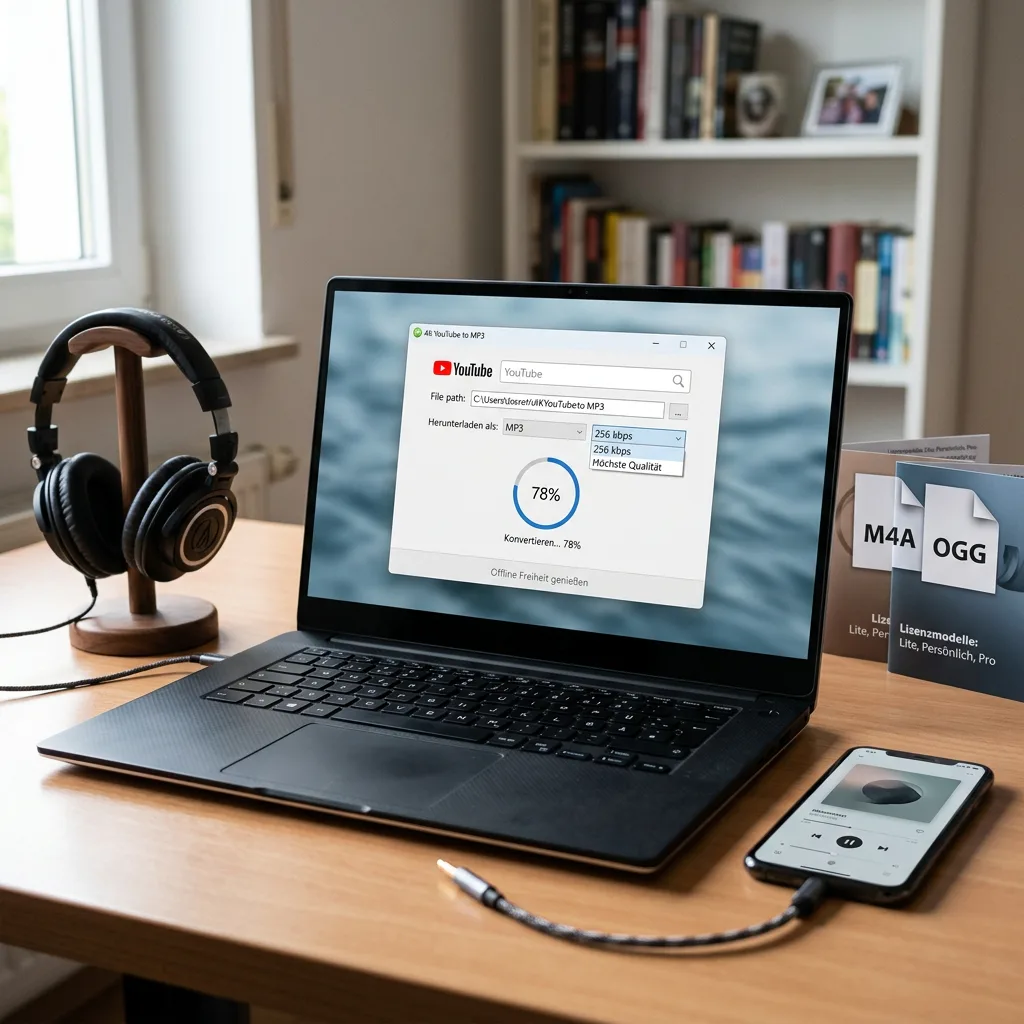
This is just one way to download music. You can also use online services such as Converto, SaveFrom.net, or programs for PCs and laptops, such as MediaHuman.
How to download a song from YouTube to a phone
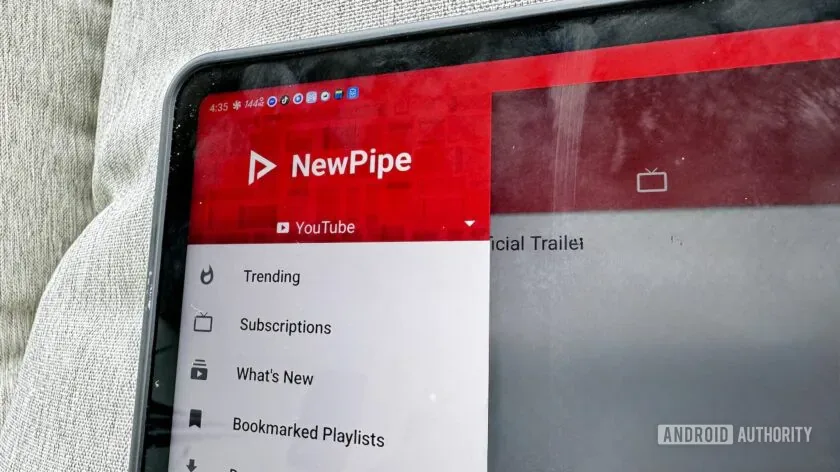
If you have an Android phone, try using the NewPipe app to download music from YouTube. This app is not available in the Google Play Store because it effectively provides all YouTube Premium features for free, including the ability to download music from YouTube. Here is how to install it:
- download the NewPipe APK file;
- open the downloaded file on your Android phone. A warning and a request for permission to install NewPipe may appear. Grant this permission and return to the installer;
- once the installation is complete, open NewPipe and
search for the music you want to download;
- tap "Download" and then "Audio," and NewPipe
will collect the song for you.
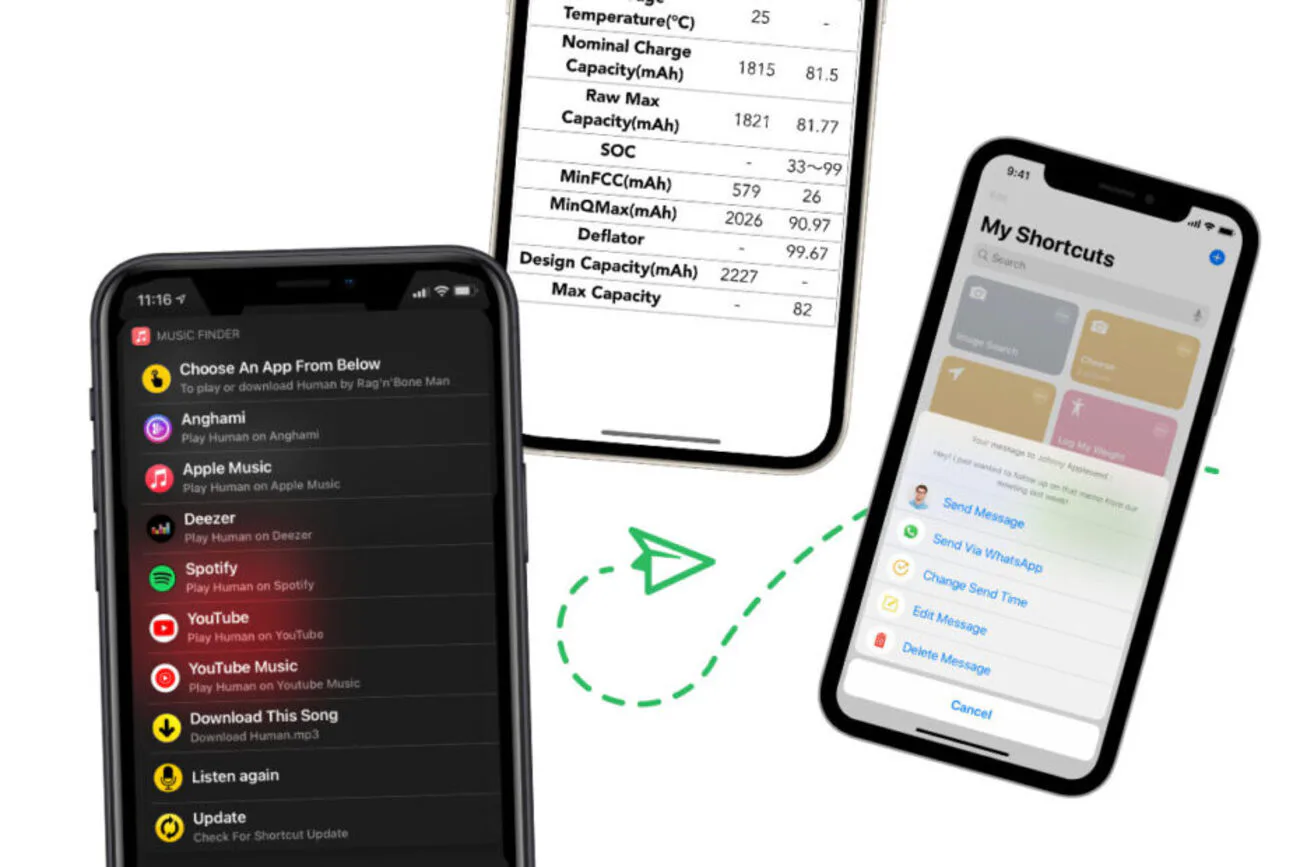
On iPhone, the best (unofficial) way to download music from YouTube is to use Apple's "Shortcuts" app. Follow these steps to download music from YouTube to an iPhone:
- download the YouTube Download shortcut from RoutineHub -
a third-party shortcut gallery for your iPhone;
- install two more apps on your iPhone: Scriptable and
a-Shell mini;
- open a YouTube video in Safari or in the
YouTube app. Tap the "Share" button to open the share sheet;
- scroll down the list and select YouTube Download in the
list of shortcuts at the bottom of the screen;
- YouTube Download will ask you for a series of permissions. Unfortunately,
you will have to grant all these permissions for the shortcut to work. When prompted whether you want to download audio or video, select "Download
audio." You can also choose your preferred audio format;
- finally, the shortcut will ask where you want to save the downloaded file. You can choose iCloud Drive or the "On My iPhone" folder in the "Files" app.
YouTube, TikTok, and Snap settle lawsuit over social media addiction16.05.26, 10:44 • 5288 views