










Firefox adds profiles to separate browsing sessions
Kyiv • UNN
Mozilla introduces profiles in its Firefox web browser, which will allow users to create separate browsing spaces. The update, due out on October 14, will enable bookmarks, login data, history, extensions, and themes to be stored separately for work, projects, and personal browsing.

Mozilla introduces profiles in its Firefox web browser, which simplify the division and organization of online activity, writes UNN with reference to The Verge.
Details
The profile management update will be released on October 14 and will allow Firefox users to create separate browsing spaces that will store bookmarks, login data, history, extensions, and themes.
Firefox already supports multi-account containers — an extension that organizes browsing history, cookies, and tracking information into separate tabs to keep your digital footprint private. Profiles allow users to organize more browser features, making it easier to create separate pages for work, projects, and personal browsing.
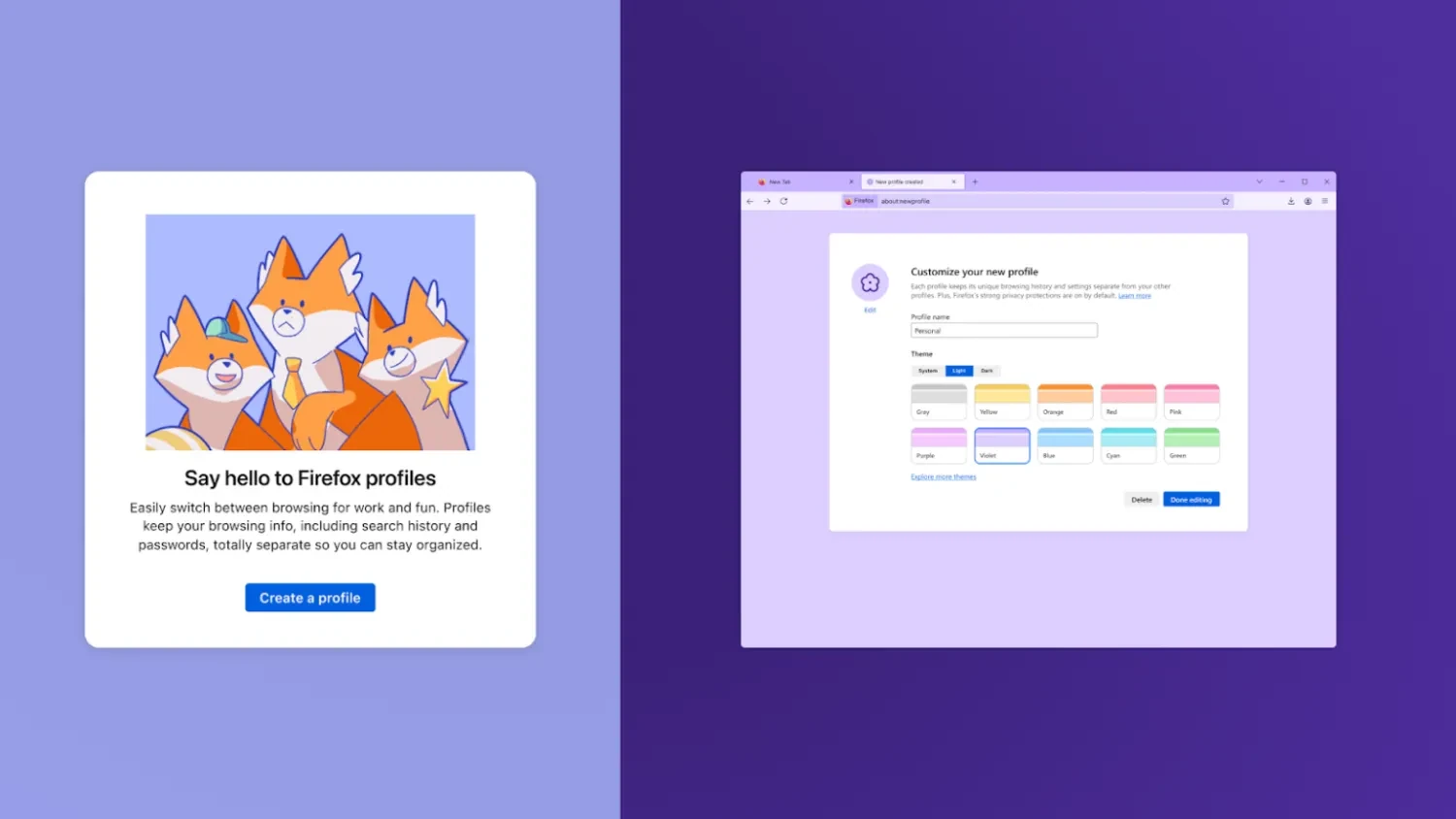
Like account containers, each Firefox profile keeps its browsing data separate. Individual profiles can be customized with special avatars, colors, and themes to make them easy to distinguish. This is similar to using multiple Google profiles in Chrome, only with enhanced privacy features and without the need to create multiple accounts with separate email addresses.
"Profiles in Firefox are not just a way to tidy up tabs. They allow you to set boundaries, protect information, and make the internet a little calmer," Mozilla's blog says. "By clearly separating different roles online, you spend less mental energy juggling context and avoid awkward surprises (such as weekend plans popping up in a work presentation)."
Mozilla released an emergency fix for a critical Firefox vulnerability28.03.25, 17:17 • 26052 views